
Reset Between Course Groups Without Erasing the Lesson Plan
Restore the next exercise’s beginning while preserving the work and teaching material that still has a purpose. Check the result as a learner.
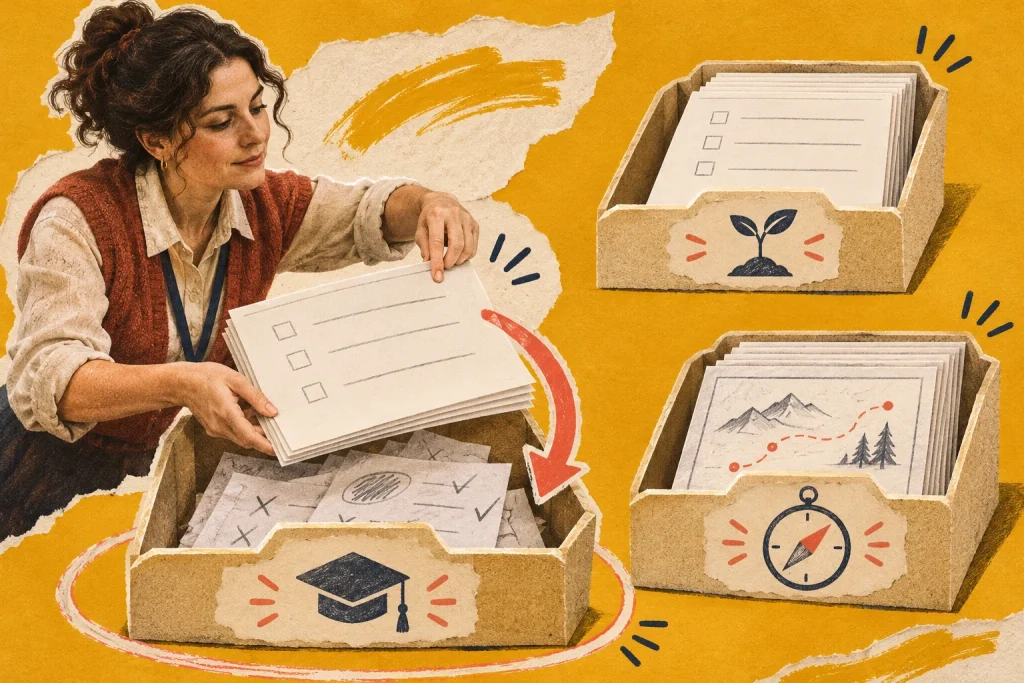
The next course group arrives in the same lab, but the practice heading already contains last week’s answer. Restoring the exercise is necessary. Clearing the entire site could also remove the trainer’s notes, reference examples or learner work that has not yet been handed over.
Define the state the next group needs
Consider a fictional WordPress training lab used for repeated editing workshops. Each group changes assigned practice entries while the trainer uses a stable demonstration item and separate lesson instructions. The next group needs an understandable starting state, not simply an empty database.
Write the required beginning: named practice entries, starting wording, permitted account actions and expected first preview. Keep that specification independent of the reset mechanism. A restore, copy or supported content operation is useful only if its actual scope produces the required state without affecting material meant to remain.
Separate three kinds of material
Use a short inventory before scheduling the reset:
- Starting examples: the agreed reference content and its known values.
- Learner work: the individual changes or outputs produced during the completed exercise.
- Trainer material: lesson cards, demonstration notes, answer references and environment instructions.
Record where each lives, who owns it and what is supposed to happen between groups. A recognisable title prefix may help locate examples, but it is not sufficient proof that everything with that prefix may be removed. Use the actual identifiers and supported grouping available in the environment.
Settle the previous group’s work first
Confirm the agreed arrangements for learners to receive or retain their work. If an exercise outcome still needs assessment or review, identify that dependency before changing its source material. Follow the course’s established handling and approval process rather than treating the arrival of a new class as permission to erase unfinished work.
A concise readiness note might say: practice entries identified; required learner outputs handed over through the agreed route; remaining assessment item excluded from reset; trainer references preserved. These are decisions to establish, not statuses to assume because a session has ended.
Rehearse the supported reset on a bounded example
Use harmless training data to inspect what the intended reset process changes. Does it restore only the planned content, or does it also affect users, settings, files or connected material? Consult the responsible administrator and the documentation for the actual mechanism. Do not improvise a universal deletion command from this planning guide.
Where appropriate, use a separate trial environment or another authorised arrangement to inspect the scope. Record the selection, expected state and observed result. The presence of a backup does not by itself establish that a particular restore is suitable, accessible or tested for this exercise.
Check the lesson after the reset
Open a representative learner account through the agreed route and attempt the first task. Verify the starting text, assigned entry, available actions and intended result. Also check the trainer’s reference item and lesson instructions so a technically successful content operation does not leave the teaching materials pointing to yesterday’s identifiers.
If the result differs from the required beginning, pause the release of the lab to the next group. Record the concrete gap and owner. “Reset completed” describes an operation; “opening exercise checked from the learner route” describes evidence about readiness. Keep those statements separate.
Leave the next reset easier to assess
Save a short reset record with the course group, selected material, preservation decisions, mechanism used and post-reset check. Note any changed identifiers or lesson instructions. Another coordinator should be able to tell which work is protected and which state must be reproduced.
Review that record when the exercise changes. A new field, additional learner output or revised assessment arrangement may alter what the next reset must preserve. Repeating the old process without that comparison can faithfully recreate the wrong starting point.
Identify which material is the starting set and which belongs to the previous exercise before resetting anything. Batch-aware content preparation can support that distinction.
Define the first task through a clear learner action and verify the restored environment with the lab readiness guide.



Discussion 0
What did this article make you think about?