Your Workshop Is Ready. Is It Actually Easy to Buy?
The session is ready. The booking link, payment screen and confirmation still need to tell the same story. Walk through the journey before promoting it again.
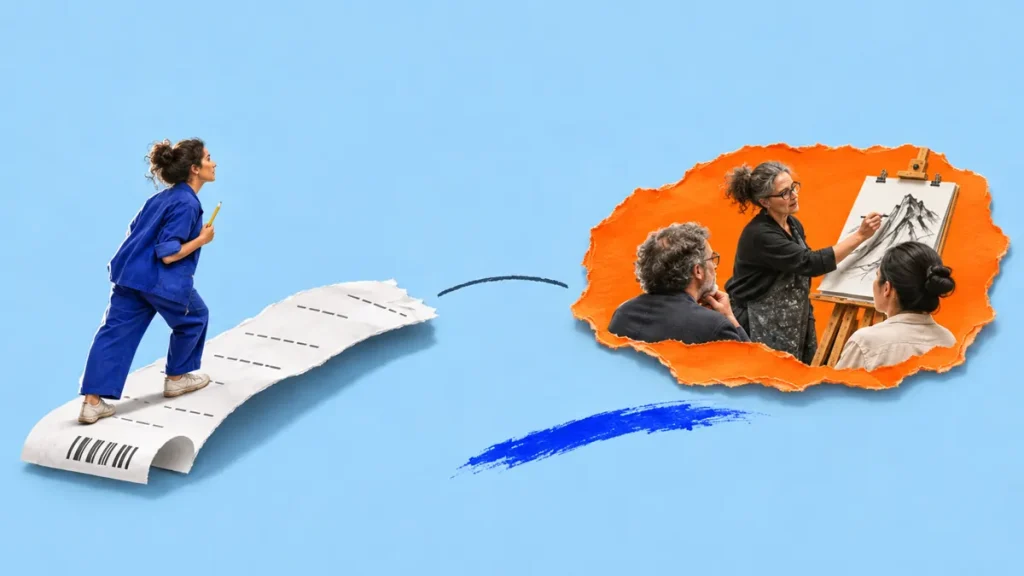
The exercises are planned. The examples are ready. You could teach the workshop tomorrow. Then someone asks, “Where do I book?” and the answer involves a social post, an old page and a message you need to send after payment.
You know how those pieces fit together. A new participant has to work it out. Before writing another announcement, follow the route from interest to a confirmed place. You may find a missing step you can fix with one clear sentence, a working link or a better confirmation.
Give the buyer three questions they can answer
Imagine a fictional illustrator offering a live online drawing workshop for beginners. The announcement shows an appealing sketch. The booking page says “creative workshop.” The payment screen uses the name of an older class. After paying, the participant receives a receipt but no explanation of when the joining link will arrive.
Each piece exists. Together, they leave three questions open:
- Before I pay: is this the right session for me, and can I attend?
- While I pay: am I buying the session I chose, at the price I expected?
- After I pay: is my place confirmed, and what do I do next?
Use those questions to review your own workshop. You do not need a complicated funnel to give someone a coherent answer.
Before payment: make the commitment visible
A buyer needs more than an attractive topic. Put the practical details where they are choosing whether to join: the date, start and finish times, time zone, format and price. Explain who the session suits, what participants will practise and what they need to bring or prepare.
For the drawing class, “learn to draw with confidence” leaves a lot to imagine. “Practise three ways to sketch everyday objects in a live beginner session; bring paper and a pencil” gives someone a clearer decision. Use the actual session contents and avoid promising results you cannot ensure.
Say whether a recording or materials are included, if they are part of the offer. Make the relevant cancellation and rescheduling information easy to find. If someone needs to ask about accessibility or suitability before booking, give them a usable contact route.
If the offer itself is still difficult to explain, start with these three questions for explaining a service. Then return to the buying journey. Clearer copy and working steps solve different parts of the job.
During payment: keep the same workshop in view
Follow the booking link from the actual announcement on your phone. Does it open the correct session? Is the workshop name recognisable on the payment screen? Can someone check the date or option they selected? Is the payable total clear before they commit?
Pay attention to handovers between systems. A checkout that looks different can still work well if the product, seller and next step remain clear. A familiar-looking page can still send someone to last month’s workshop.
Check what happens when payment is cancelled or fails. Does the person know whether to try again or contact you? Who checks a possible duplicate booking? Write down how you will handle those cases before the first participant has to ask.
After payment: a receipt is only part of the answer
A receipt records a transaction. Your confirmation should also tell the participant what that transaction means.
For our fictional drawing workshop, a useful confirmation might say:
Your place in Everyday Objects: Beginner Drawing is confirmed for Thursday, 19 November, 18:00–19:30 Helsinki time. Bring paper and a pencil. We will email your joining link the day before the session. If it has not arrived by then, contact us using the address below.
This is an example, not a template to copy unchanged. Your dates, delivery method and promises must match what you can actually provide. If the joining link is available immediately, provide it. If it will arrive later, say when and who to contact if it does not.
Open the confirmation on a phone. Check that links work and attachments open. A participant should be able to return to the message later and find the session without searching through your launch posts.
Ask someone to follow the route without your help
Give a colleague the same announcement a buyer will see. Ask them to find the session, explain what they would be buying and follow the route through an authorised test setup. Use your payment provider’s documented test method; confirm what it does and does not test. Do not ask someone to enter payment details into an unfinished live flow.
Watch where they stop or ask a question. If you have to explain that “the email comes later” or “that is just the old product name,” you have found something the journey should explain.
Check the expected confirmation and access instructions separately if the test environment does not send them. Record the gaps and fix them before increasing promotion. This is a check of your setup, not proof that the workshop will sell.
Choose the tool after you find the gap
You may already have everything you need. A clearer confirmation or the correct booking link can be more useful than rebuilding the page.
If the page, payment route and follow-up are scattered across your setup, a connected page-building tool may be worth considering. Pagewheel’s published offering includes editable AI-assisted sales pages and supported payment and digital-delivery connections. For a live workshop, check separately how your chosen setup will handle participant access, attendance limits, reminders and any booking requirements.
Our Pagewheel overview explains the approach and what to check before choosing it. We have not carried out a hands-on review.
For your next launch, write down three things: what the buyer knows before paying, what they see while paying and what they receive afterwards. Then follow those steps yourself. Your workshop can be ready to teach and ready to buy.
Explore the current Pagewheel offer. Affiliate link: Superstore may earn a commission if you subscribe through this link.


Keskustelu 0
Mitä ajatuksia julkaisu herätti?