Background Music for Online Courses: Where Does It Help?
Decide where your online course needs background music, where speech should stand alone and how to test a track against one lesson.
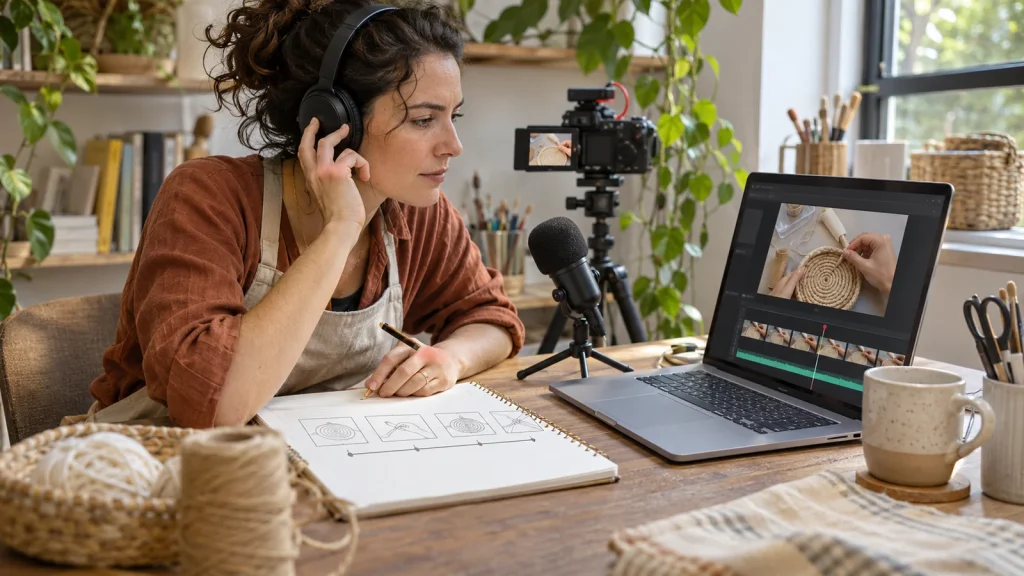
You have recorded your first lessons. The explanations are there, the demonstrations work, and now the edit feels a little bare. Before putting music underneath everything, try a more useful question: which parts of this lesson have a job that music could help you shape?
You do not need to decide on a soundtrack for an entire course at once. Start with one lesson and make a small map of its different moments. That gives you something concrete to listen against.
Give each part of the lesson a job
Imagine a fictional creator recording a lesson about photographing handmade products. Her opening introduces the finished photograph. The next section explains where to place a lamp. A demonstration follows, then a pause for the learner to arrange their own setup.
Those sections ask different things of the viewer. The opening sets the scene. The instructions contain information the learner needs to hear. The demonstration makes a change visible. The pause gives the learner time to work. Treating them as one continuous soundtrack decision hides those differences.
On a sheet of paper, write four lines: opening, explanation, demonstration, pause. Beside each, note what the learner should hear, see or do. If a section contains an important spoken instruction, put that on the map before considering music.
Make a short comparison, not a final commitment
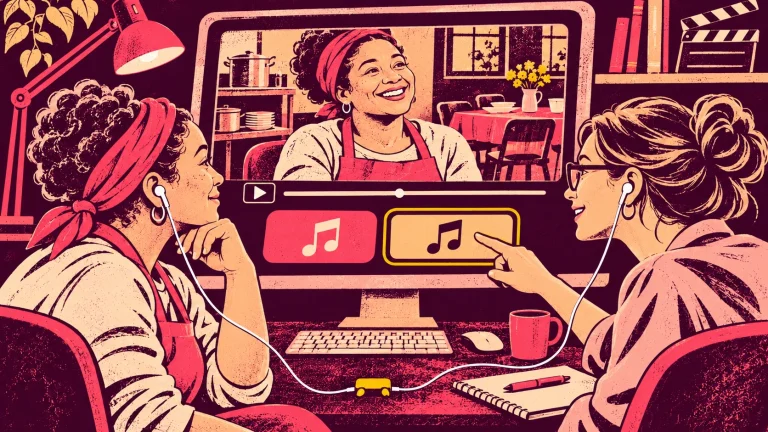
Choose a short excerpt that includes both speech and a change in the picture. Listen first without music. Then try a candidate track against the same excerpt, at a restrained level, keeping the narration and other sounds in place.
Ask specific questions. Can you follow the instruction without straining? Does a musical change pull your attention away from the demonstration? Does the opening feel appropriate for the subject, or does it promise a different kind of experience? Listen through the small speakers or headphones you commonly use as well as your editing setup.
This is a practical listening exercise, not proof of how every learner will respond. If you can ask someone to review the excerpt, ask them what they heard and what they thought the next task was. That is more useful than asking only whether they liked the music.
Use silence as an option you can choose
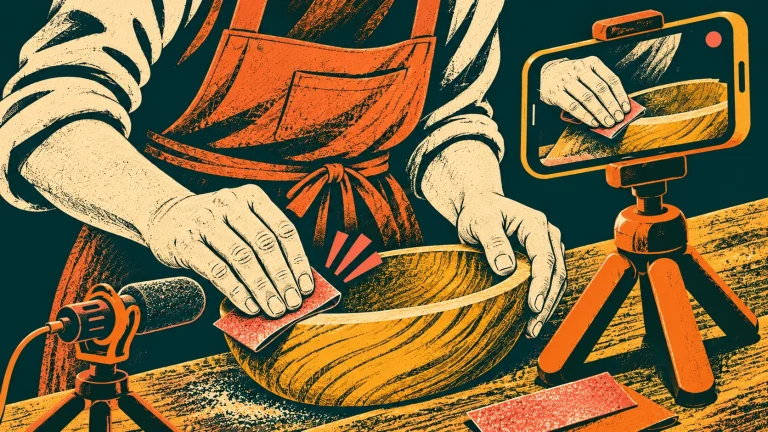
A lesson does not become unfinished because some sections have no music. You might choose a short musical opening, remove the track for a detailed explanation, and bring it back for a visual transition. You might also find that the recorded voice and natural sounds already give the lesson what it needs.
In the photography example, the creator could keep the lighting instructions free of music and audition a track for the short sequence showing the completed setup. The point is to make the decision deliberately, rather than fill every quiet moment because a track is available.
Keep a decision note for the next lesson
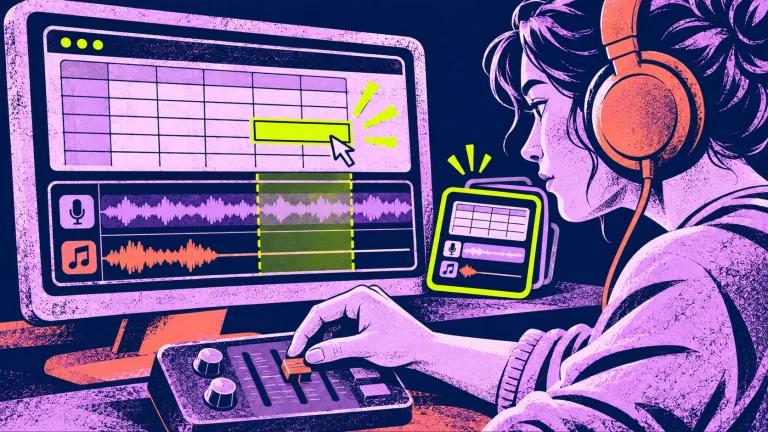
Once an excerpt works, save a simple note with the project: the section, the track you tested, the reason for your choice, and where you decided against music. Keep the original music file name and its license reference with that note.
Your next lesson can start from those decisions without copying them blindly. When several different productions are coming up, evaluate a music library against those actual projects. A dense troubleshooting lesson may need a different treatment from an introductory demonstration. A shortlist saves you from starting the search again; it does not require every lesson to sound identical.
Choose a resource that fits the course you are making
Thinking & Learning – Vol. 1 brings together 18 background tracks for courses, tutorials, explainers and thoughtful presentations. It is a one-time digital purchase of this edition. Review the product information and supplied license against your intended finished project; the recordings are not standalone assets to resell or redistribute.
If you are also preparing a launch trailer, keep its purpose separate. Write a separate launch-video music brief before auditioning tracks. The existing guide One Music Collection, Two Jobs explores that comparison. For today, finish one small decision: mark where music belongs in one lesson, test an excerpt, and keep the version that serves the explanation.
When you return to the next lesson, keep the chosen files and notes together. This shared music-folder workflow gives you a simple way to record and find the decision.
Keskustelu 2