
The Sign-In Page Looks Right. How Did You Get There?
Before an unexpected sign-in request, check its route and purpose. A familiar-looking page does not establish that the requested action belongs to you.

The message says a shared document is waiting. The next page looks familiar, so signing in feels like the final small step before returning to work.
Before continuing, ask a different question: what brought you here, and which action are you being asked to authorise?
Notice the request before judging the page
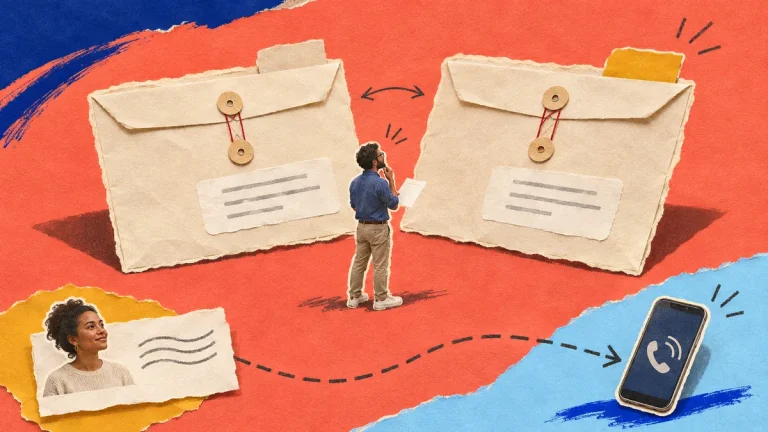
Imagine a fictional studio coordinator receiving an unexpected document notification. The sender name resembles a colleague’s, but the coordinator was not expecting a new shared file.
An expected-looking logo or polished layout cannot tell you whether that message belongs to your work. Urgency, a familiar name and a convincing page are pieces of presentation, not independent confirmation of the request.
Check the context you actually have. Was this exchange expected? Does it match a known task? Can the supposed sender explain it through the organisation’s established contact route?
Return to an established starting point
When an unexpected message asks you to sign in or verify account information, use the service’s known official route or your organisation’s approved application rather than continuing through the message’s link.
Look for the relevant work through the service’s normal interface. If it is not where you expect it to be, ask the responsible person through an established route. Avoid turning a search for the file into a series of guesses about unfamiliar addresses.
The FBI’s business-email-compromise guidance warns against links in unsolicited messages asking you to update or verify account information. This check concerns the invitation and the intended action as well as the appearance of the destination.
Read what the action would do
A sign-in, an account-recovery step and a request to grant another application access are different actions. Follow your provider’s current instructions and your organisation’s authorisation rules for the action actually shown.
Do not assume that a genuine service page makes every request leading to it appropriate. You still need to understand whose action it is and whether it was expected and authorised. If you cannot establish that, stop and ask through the normal support route.
Keep any browser or service warning visible to the person helping you. Do not bypass it simply to finish opening a document.
Make the check easy to repeat
In a fictional exercise, start with an unexpected sharing message and ask a colleague to explain how they would reach the actual service independently. They should not need to enter a real password or approve a real connection for the exercise.
Record the approved starting route and the person to ask when context is missing. The aim is a small usable habit: confirm the work and the requested action before allowing a familiar-looking page to carry the whole decision.
Primary references: FBI: business email compromise.
Continue with a related working question
Explore Check the Request Behind a Familiar-Looking Message, or read The Invoice Looks Familiar. Why Did the Bank Details Change?.
For a written learning option, see the Work Safely Online with Matze course overview. You use your own authorised tools and review the exercises yourself.
Review the course contents and current terms. Affiliate link: Superstore may earn a commission if you buy.

Discussion 0
What did this article make you think about?