
The Test Run Was Green. What Did You Actually Test?
Turn a successful automation demo into useful test evidence: define expected results, inspect actual records and keep untested conditions visible.

The demonstration ends with a green indicator. Everybody relaxes. Then someone asks whether the workflow is ready for routine use.
Before answering, ask what the run actually established. One successful example gives you evidence about that example. It does not automatically cover repeated requests, missing details or recovery after a later step fails.
Start with a claim small enough to check
Imagine a fictional consultant testing request intake. The intended result is one internal task for one complete new request. Write that expectation before running the scenario.
Specify what should remain unchanged too. A colleague’s notes might need to survive an update. A repeat request might need to create zero additional tasks. These conditions are easy to miss when the only recorded result is “success”.
Keep the expected outcome separate from the observed result. Copying the expected answer into the result field before running the test makes the record look complete without adding evidence.
Inspect the business output
Open the destination and compare the actual record with the expectation. Check identity, count, key values and the next owner. Does the result support the action somebody will take from it?
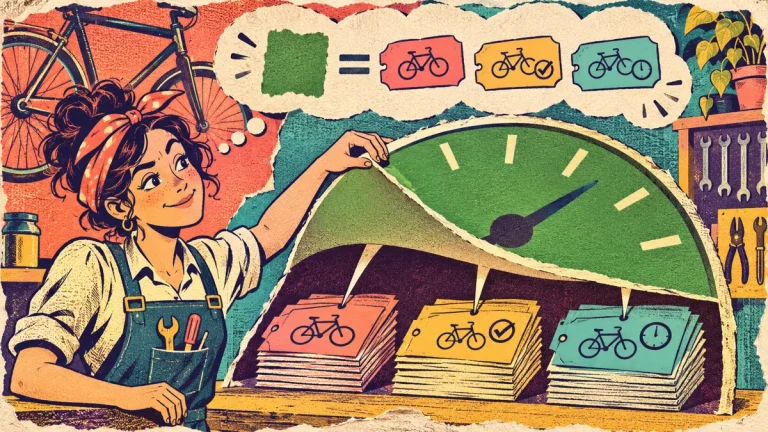
A tool’s successful status has a specific technical meaning within its configuration. For example, Make documents that its Skip error handler can allow a run to finish successfully while removing an affected bundle from the flow. The visible status therefore needs to be interpreted alongside the scenario’s design and actual output.
That does not make a green indicator useless. It tells you something to investigate; it is not your entire acceptance record.
Add cases that challenge the rule
Use fictional data for a normal request, the same request again and a request missing a required detail. Write a separate expectation for each. Add a recovery case when the workflow contains several actions whose partial completion matters.
Choose cases from the actual risks and commitments of the routine. Three examples are a starting exercise, not a universal certificate of readiness. Mark any case you did not perform as not run.
When a result differs from the expectation, record the difference in plain language. “A second task appeared” is more useful than “test failed” because it directs the next investigation.
Use the record to decide the next step
The useful outcome may be approval for a limited trial, a configuration change or another test. State who makes that decision and what remains unresolved.
Keep the test input and relevant evidence linked to the result so another person can understand it later. Do not include live customer details when fictional samples will do the job.
A good test record makes the limits of your knowledge visible. That is a stronger basis for a client decision than a polished demonstration with no account of what was actually checked.
Technical reference: Make’s official overview of error handling. Check the behaviour of the configuration you actually use.
Keep working on this question
Explore our build an automation another person can understand guide, or read Your Client Wants Automation. Which Task Should You Leave Manual?.
For a structured learning option, see the Office Automation with Matze product overview.
Explore the course contents and current price. Affiliate link: Superstore may earn a commission if you buy. Review the format and requirements before purchasing.

Discussion 0
What did this article make you think about?