A Repeatable Audio Checklist for Your Next Software Tutorial
Your next tutorial needs a clear explanation, not another long search for music. Build a small audio routine you can reuse without making every lesson sound the same.
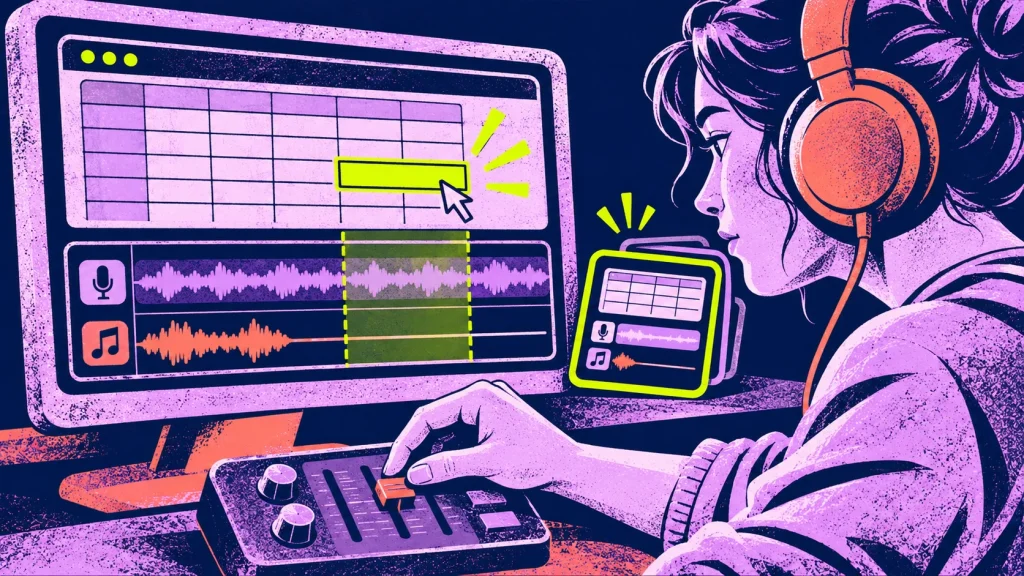
You finish recording a useful tutorial. The clicks are right, the explanation makes sense, and then you spend the last part of the afternoon looking for something to play under the opening. Next week, you do it again.
That is a good place to simplify. You do not need a new sound for every lesson. You need a small set of choices that fit the work, plus a quick way to check that they still work in the next video.
Give the series a starting point
Choose one finished lesson as your reference. Pick something fairly ordinary: an opening, some spoken instructions, a screen demonstration and an ending. A special announcement is a less useful reference for the rest of the series.
Imagine a tutor making short spreadsheet lessons. The introduction names the task, the demonstration shows the cells changing, and the ending suggests something to try. Those moments do not all need the same audio treatment.
Write one sentence beside the edit: “The explanation stays in front; music introduces the lesson and leaves before the detailed steps.” That is a working choice, not a permanent rule. A later lesson may need a different approach.
Keep a shortlist small enough to use
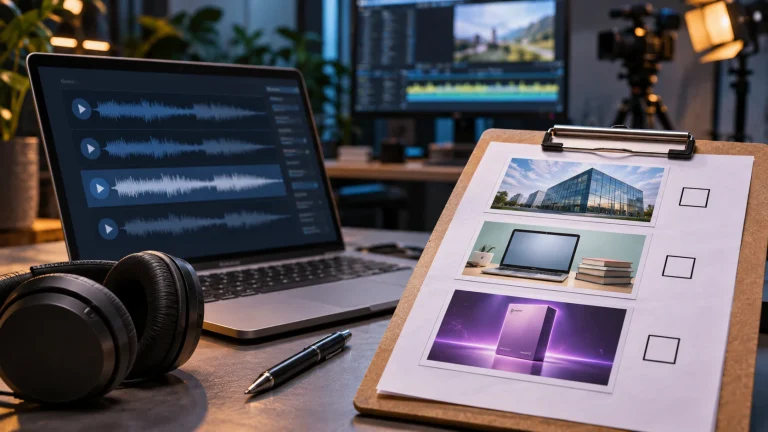
Find two or three candidates for the recurring moments where you actually want music. Name the job beside each choice: opening, transition or ending. Keep the original track filename so you can find it again.
Then try each candidate against the same opening, with the same narration and roughly comparable listening volume. A louder option can feel more impressive simply because it is louder. Give the alternatives a fair comparison.
If none fits, keep looking or use the voice alone. The point of a shortlist is to shorten a useful decision, not force a track into every empty space. For the bigger question of where music belongs, start with our one-lesson background-music test.
Make a reusable starting edit
Save a copy of the reference project with its audio choices in place. Before recording the next lesson, duplicate that project and give it a new name. Keep the reference unchanged.
Think of this as an organised starting point rather than an automatic mix. Your voice may be quieter in the new recording. A screen demonstration may take longer. A sound that helped the last opening may distract from this one.
In the spreadsheet example, a spoken warning about deleting data deserves attention. Move or remove the music there instead of keeping it because the previous episode used it. Consistency means the lesson is easy to follow, not that every second sounds identical.
Run this check on the exported file
The project in your editor is not quite the same thing as the file your viewer receives. Open the actual export and check these five things:
- Opening: Can you hear the lesson’s task immediately, without turning up the volume?
- Instructions: Are menu names, numbers and warnings easy to follow?
- Edits: Do music starts, stops and scene changes sound intentional rather than cut off?
- Ending: Does the last sentence finish before the audio disappears?
- Everyday playback: Can you follow the explanation on the laptop speakers or headphones your viewers are likely to use?
Listen to part of the lesson without watching, too. If you lose the thread, check whether the explanation or the mix needs work. Music cannot supply a missing instruction.
Leave tomorrow’s edit an easy handover
Keep a short note with the finished episode: reference project, track filename, where it was used and anything you changed. Include the location of the license. Our shared music-folder guide shows how to organise those files when another person joins the work.
For a lesson series, Thinking & Learning – Vol. 1 gives you 18 background tracks to audition for tutorials, courses and explainers. It is a one-time digital purchase. The supplied license covers finished personal and commercial projects; the audio is not for standalone resale or redistribution.
Start with your next opening and choose a couple of tracks to test. Explore Thinking & Learning – Vol. 1, then keep the choices that make the lesson easier to listen to. Your next episode can begin there.
Keskustelu 0
Mitä ajatuksia julkaisu herätti?