Choosing Music for a Product Launch? Start With a One-Sentence Brief
Write a one-sentence music brief for your product launch video. Compare tracks against the same edit and leave room for the message.
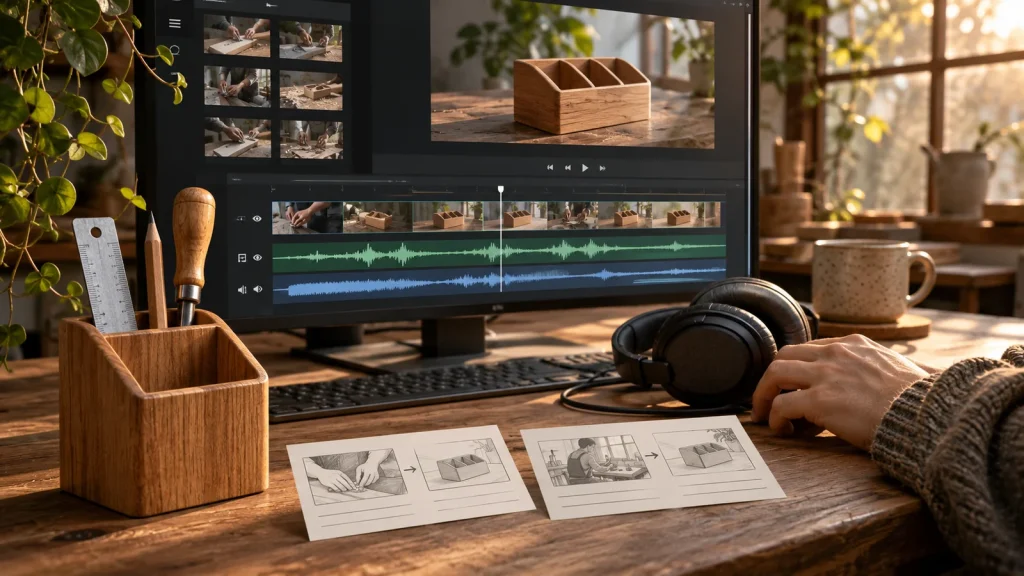
Your product footage is ready, but every soundtrack sends the edit in a different direction. One makes it feel urgent. Another makes it feel thoughtful. A third sounds impressive on its own and somehow wrong under your voice. Stop auditioning for a moment. Decide what this particular video needs to say.
A short music brief gives you a way to choose. It also gives a colleague or editor something more useful than “make it exciting.” You can write the first version in a sentence.
Name the viewer, the moment and the next step
Try this structure: “This video helps [viewer] see [one product idea] and invites them to [real next step], with a tone that feels [two useful words].” Keep the words specific enough to guide a choice.
For a fictional studio launching a compact desk organiser, that might become: “This video helps people working at a small desk see how the tray keeps their everyday tools together and invites them to explore the product page, with a tone that feels practical and considered.”
That sentence does not claim the product will transform productivity. It identifies what the footage can show and what the viewer can do next. The soundtrack now has a job: fit a small, useful product story rather than announce an imaginary world-changing event.
Choose one excerpt that contains the real challenge
Do not compare tracks over an empty timeline. Use the same short sequence for each option. Include a moment with speech if the finished video has narration, a visible product action, and the ending if the call to action needs room.
In the desk-organiser example, the excerpt could show a cluttered corner, a hand putting three tools into the tray, and the finished arrangement. If those are the important pictures, listen for whether the music leaves them room. A dramatic rise may work against the modest scale of the demonstration.
Keep the comparison fair. Avoid choosing a track simply because its test version is much louder than the alternatives. Listen to the voice, natural sounds and music together, because that is what the viewer will receive.
Ask for feedback that can change the edit
Instead of asking which track everyone likes, share the sentence from your brief and ask three questions: does this option fit the product moment, can you follow the message, and does the ending leave the next step clear?
Useful feedback points to something you can adjust. “The change in the music draws attention away from the demonstration” gives an editor a decision to examine. “It needs more energy” needs a follow-up: where, and for what purpose?
If stakeholders disagree, return to the intended viewer and the footage. You do not have to reach a universal judgement about the best music. You need a justified choice for this video. Two carefully selected options are often more productive to review than a long folder with no explanation.
Give the ending its own listening test
Play the final few seconds separately. The viewer may need to read a short invitation, hear the final line, or recognise the product name. Check that the audio treatment does not rush or obscure that moment.
The call to action should lead somewhere that exists. If the product page is the next step, use that destination rather than inventing a discount, deadline or offer to make the video feel more urgent. Music can shape presentation; it does not supply missing commercial facts.
Keep the choice with the project
Record the selected file, the brief, the approved excerpt and the relevant license reference alongside the edit. If you return to the video later, those notes explain why the choice was made. They also help distinguish the finished client or company video from the underlying audio files.
Marketing & Launches – Vol. 1 offers 18 background tracks for company videos, launches, brand stories and presentations as a one-time digital purchase. Check its supplied license for your intended use and audition for fit; the number of tracks is not a promise that every brief is covered.
If you are choosing a resource for several productions, compare music libraries by the briefs you need to deliver. If your workload includes teaching as well as promotion, read the guide to separate course and promotional soundtrack decisions. Start your current edit with the sentence, though. It gives every subsequent listening choice a reason.
Working with an editor or a colleague? Keep the chosen track and review note easy to find with a shared music-resource index.


Keskustelu 3