
A Ten-Minute Support Screen Recording Needs a Better Brief
Plan one short sequence before recording. A useful clip shows what happened and how to attempt it, with enough text context to survive without the narration.
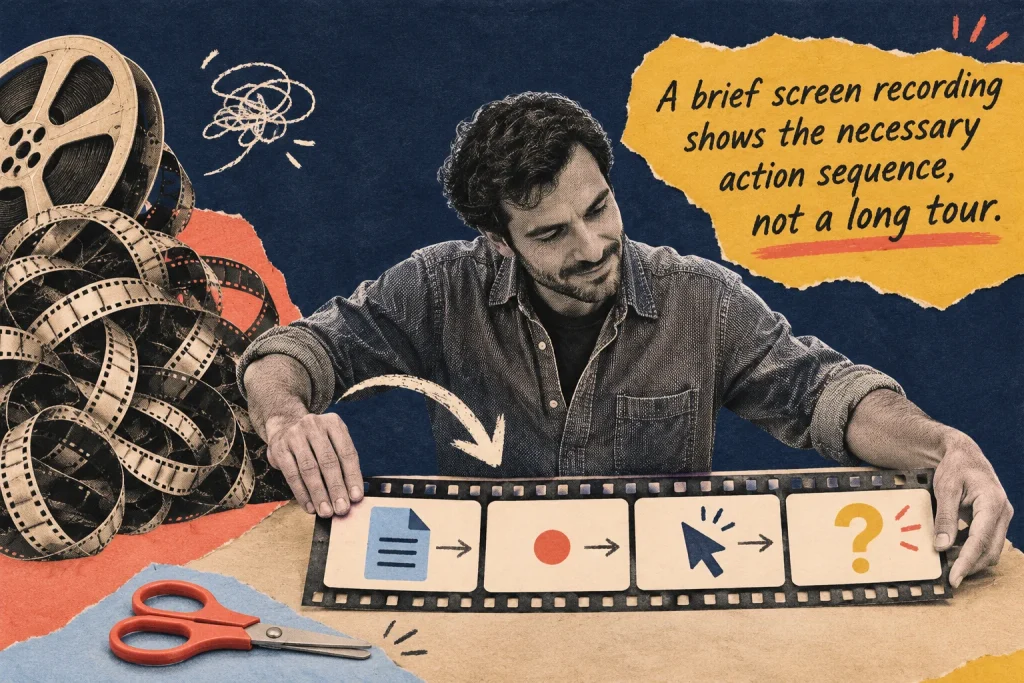
The support recording lasts ten minutes. Most of it shows the maintainer searching for the page, opening unrelated settings and describing a possible cause. The few seconds that reveal the problem are difficult to find. Start with the evidence another person needs, then record that sequence deliberately.
Decide whether motion earns the recording
In this fictional example, a maintainer is reporting that a service selection disappears after a visitor returns from a detail page. The action sequence matters, so a short recording may add context a still image cannot carry. If the problem were only a misspelled heading, a precise written location and correction might be enough.
Choose the lighter method that explains the actual issue. A video is not automatically stronger evidence, and it does not establish the technical cause. Write the observation you want the recipient to inspect before choosing a recorder or adding a narrated introduction to your workflow.
Prepare four beats on a small script card
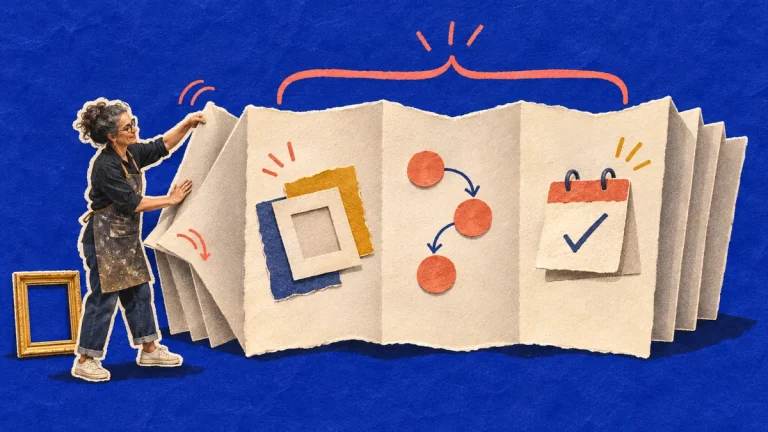
Beat one names the relevant page and review environment. Beat two shows the starting state, including the selection already made. Beat three performs the ordered actions leading to the return. Beat four pauses on the visible result and states what differs from the agreed expectation.
For the example, the narration could be: “This is the service chooser in the agreed test environment. The installation option is selected. I open its detail page, then return using the page’s chooser link. The chooser is visible again, but the selected option is now blank. The expected behaviour still needs confirmation from the owner.” Use the real route and requirement status when preparing your own report.
Make the recording safe to share
Use appropriate authorised access and harmless test material. Prepare the window before starting so the clip does not wander through private messages, customer records, tokens or unrelated browser tabs. Avoid relying on later blur work as the only plan for keeping unnecessary material out of the recording.
Choose a view that makes the relevant label, control and result readable. Move the pointer deliberately and pause at the important state. There is no universal ideal clip length; the goal is the shortest intelligible account of this sequence. If preparation or investigation is lengthy, keep that work separate from the evidence clip.
Describe what is visible without guessing its cause
Say which action occurred and what the screen then showed. “The selected option is blank after returning by this link” preserves the observation. “The browser has lost the data” chooses a cause you may not have established. Record the technical conditions that matter in the accompanying issue note rather than narrating an unrelated system inventory.
If the behaviour does not appear during this attempt, do not edit the clip to suggest that it did. State the actual result and keep the earlier report separate. A successful recording of one attempt documents that attempt; it does not establish how every visitor, device or return route behaves.
Supply the essentials in text too
Accompany the clip with the page location, starting state, steps, expected and observed result, and any unresolved detail. This helps someone find and repeat the useful part without depending entirely on audio. For accessibility planning, W3C WAI’s media guidance explains captions, descriptions and transcripts as different ways of conveying needed audio and visual information. Choose the support appropriate to the actual recording and audience.
A small script can help you describe the important visual change in the narration and prepare accurate text. It does not by itself establish that the resulting media meets every accessibility requirement. Inspect what the recipient actually receives, including whether the chosen sharing route and player are usable for them.
Check the package before sending
Play the clip once through the intended route with suitable access. Can the relevant action and result be understood without your live explanation? Does the text identify the same version and sequence? Remove irrelevant lead-in rather than asking the recipient to search. The useful finish is a bounded observation and a reproducible route, not a recording of everything you did while investigating.
Use a recording when the sequence matters, and a page-specific comment when the location matters. Choosing the lighter method starts with knowing what another person needs to see.
Build the accompanying text with an implementation-ready issue report. If attempts differ, use the worksheet for comparing reproduction conditions.
Discussion 0
What did this article make you think about?