
Get the Product Detail Checked Before the Campaign Deadline
A precise claim card lets a busy specialist confirm the applicable wording, source and conditions without having to infer your deadline risk.
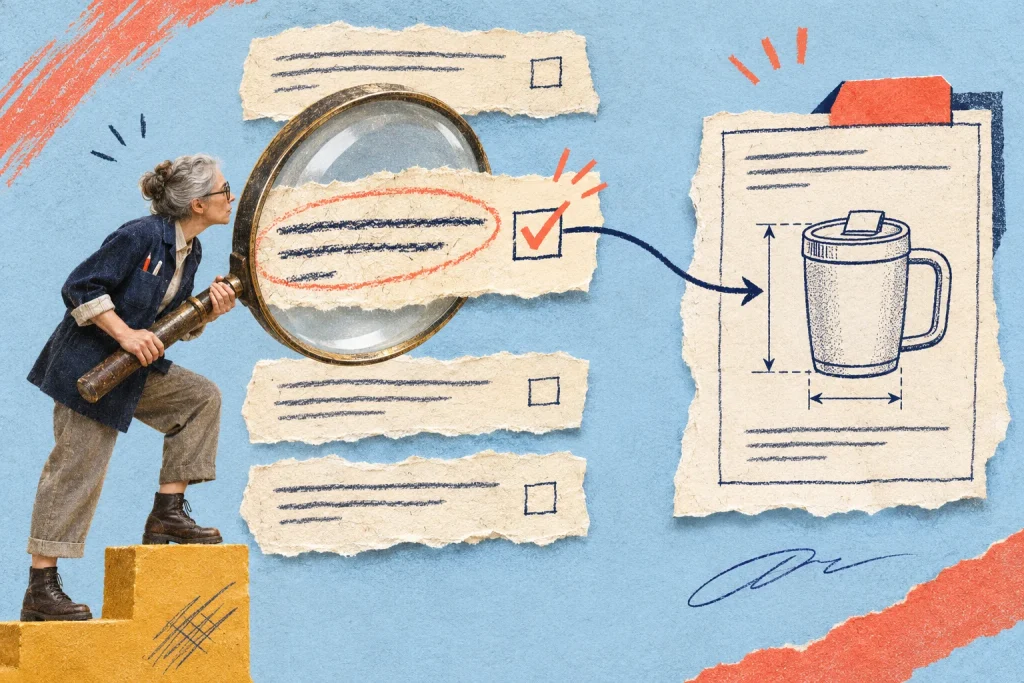
The campaign page is almost ready, but one sentence says the package includes installation and another says installation can be arranged. Sending the whole draft to a busy specialist with “please check” may leave that contradiction untouched until the launch meeting.
Turn the page into a short claim queue
In this fictional example, a small equipment supplier is preparing a campaign for a workshop ventilation unit. The marketer can improve the explanation but cannot decide technical compatibility or what the selected package includes. The product specialist needs a bounded verification job.
Extract the claims that could change the buying decision: package contents, compatibility, dimensions, setup requirements and support. Preserve the exact wording and its page location. Do not replace “compatible with these listed fittings” with a summary such as “works with everything” while preparing the request. Your worksheet should reduce search effort, not alter the claim.
Give one claim a complete verification card
Use a compact card rather than a wide spreadsheet when only a handful of statements need attention:
- Location: package summary, second bullet, draft version C.
- Exact claim: “Installation is included.”
- Question: does this selected package include installation, or only the unit and supplied fittings?
- Current source: link to the applicable package specification and its version.
- Decision owner: the person authorised to confirm the package scope.
- Response needed: confirmed wording, supporting source, or an explicit unresolved question.
- Release dependency: this inclusion statement must be settled before the campaign page is approved.
The example claim is intentionally unverified. Do not read it as a specification of an actual product. The card gives the specialist a precise decision and shows the marketer which wording depends on it.
Check applicability before collecting approval
A source may be genuine and still concern the wrong model, region, package or revision. Ask the specialist to identify why it applies to the offer on this page. An old brochure should not silently outweigh a current package sheet merely because it contains a convenient sentence.
Keep source gaps visible. If two documents disagree, the needed output is a resolved specification or a named unanswered question. “Looks fine” does not tell the implementer whether the specialist checked the conflicting inclusion statements or only the diagram.
Offer response choices that preserve uncertainty
Request one of three useful responses: confirmed as written with a source; replace with specified wording supported by a source; or cannot confirm yet, with the missing information and responsible person identified. Set a response time that leaves room for the resulting edit and recheck.
If a deadline arrives without an answer, return the dependency to the campaign owner. They may defer release, remove an unsupported optional claim where that leaves an accurate offer, or agree another suitable scope. A looming publication date does not verify a product detail. Do not quietly soften a concrete false claim into a persuasive phrase with the same implication.
Check the claim where customers will encounter it
After the correction, inspect all relevant occurrences on the page. The package summary, comparison section, image caption and FAQ may repeat the same detail differently. Record which locations you checked rather than assuming one corrected bullet fixes the whole draft.
Ask for another expert check when the edit materially changes the meaning. A copy edit that replaces “installation available separately” with “ready to use” may reintroduce the very ambiguity you resolved. Preserve important conditions close enough that a reader can connect them to the claim.
Keep the verified wording usable for the next revision
Save the accepted sentence, applicable source, decision owner and review date with the campaign record. Add a reason to revisit it when the package changes. This is a reference for accurate future work, not a guarantee that the statement stays true indefinitely.
Point the subject expert to the exact wording that needs verification. A page-specific comment can keep their answer connected with the claim being checked.
Before requesting the check, use a role-specific reviewer brief. After implementing the answer, keep verification distinct from the release decision.



Discussion 0
What did this article make you think about?