
Replace Demo Content Without Losing the Decisions Behind the Layout
Map demo content to approved real material with a content-slot worksheet. Preserve page decisions, name owners and inspect awkward replacements first.
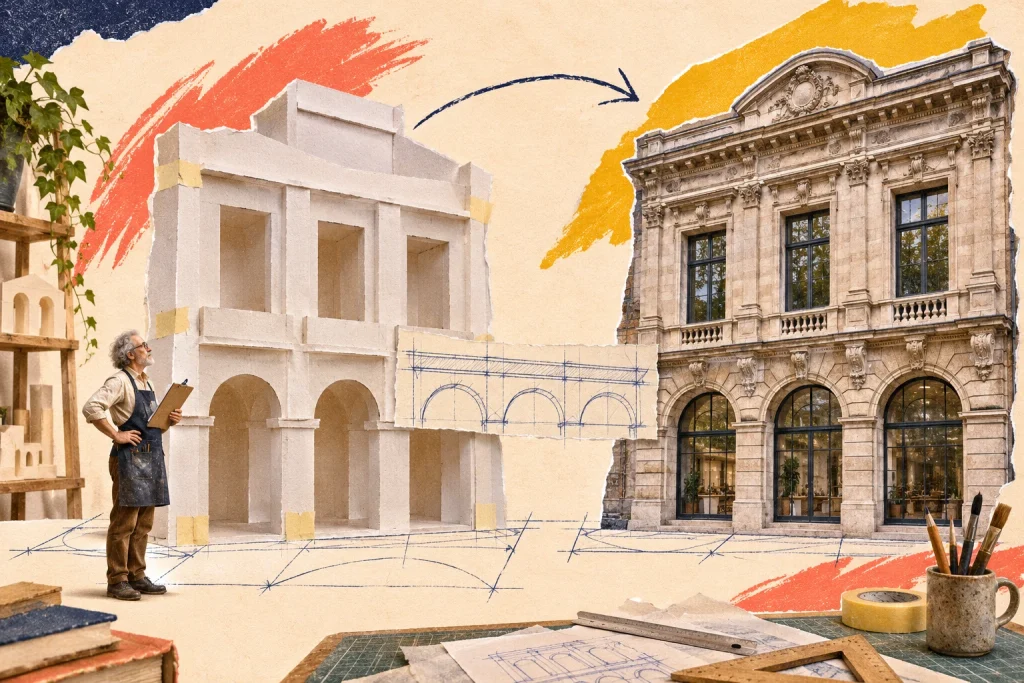
The demonstration page looked convincing because every example had a tidy title, a matching photograph and a short description. The real material arrives with a different shape. Replacing the words alone may erase the reasoning that made the layout useful.
Carry the page decision into the replacement plan
A content transition needs more than a list of files to upload. Record what each temporary item was helping the team decide. Perhaps three example projects tested whether visitors could compare different services. Perhaps a short introduction reserved room for a clear statement of eligibility. Those decisions should survive even when every example is replaced.
Consider a fictional architectural practice moving from a prototype to its real portfolio. Its demo contains three invented projects. The client supplies eight completed projects, but only two have approved photography. The transition question is not “Which real project replaces Demo Project A?” It is “Which real material supports the purpose of this part of the page?”
Build a content-slot worksheet
Use one row per meaningful content slot. A slot is a job in the page, such as the lead project card or the service eligibility note. It is not necessarily one uploaded file. Keep the worksheet small enough that the content owner can use it during an actual review.
Portfolio: lead project card, showing the practice’s main service
- Temporary material: Invented courtyard renovation
- Real replacement and owner: Riverside renovation; project lead supplies approved summary and image
- Decision to preserve: Explain the client situation before listing design details
Portfolio: comparison card, showing a different project scale
- Temporary material: Invented studio extension
- Real replacement and owner: Hill Road extension; director confirms publication permission
- Decision to preserve: Keep the distinction between renovation and extension visible
Project page: project facts panel
- Temporary material: Example location, year and scope
- Real replacement and owner: Verified facts for each selected project; administrator checks source
- Decision to preserve: Use only fields the practice can maintain consistently
Enquiry page: starting-information prompt
- Temporary material: Sample customer question
- Real replacement and owner: Actual intake wording; client-service lead approves
- Decision to preserve: Help visitors describe the situation without promising acceptance
Add a status such as awaiting material, ready for review or accepted. Use a separate note for a layout decision that needs reopening. “Image approved” and “card still needs a readable crop” are different statuses; one should not silently stand in for the other.
Review the difficult replacement before processing the rest
Choose the real item least like its temporary counterpart. In this example, that might be a project with a long title and no usable landscape image. Place it in a safe working version and inspect the relevant layout. Ask whether the card still communicates its purpose, whether an alternative image treatment is needed, or whether this project belongs elsewhere.
This is a proposed review method, not a report of a tested website. The important output is a decision you can reuse: for instance, projects without an approved image use an intentional text treatment, or they wait for the necessary material. Do not quietly invent a project photograph to fill the gap.
Keep temporary and accepted content distinguishable
Record which demo entries are being replaced, retained for testing or set aside for removal through the project’s normal process. Do not rely on remembering that a plausible-sounding customer name was invented. A transition can otherwise leave a polished sample beside an approved real case study.
Make the content owner check names, dates, permissions and claims. Make the implementer check placement, links and presentation. These checks can share a worksheet, but they answer different questions. An item should not become accepted merely because it has been pasted into the right place.
Finish with a content decision, not an upload count
Review the public-facing slots against the worksheet: does every published item have an accepted source, an appropriate place and an owner for later changes? If a slot remains unresolved, make that gap explicit before the launch decision. “All eight projects uploaded” cannot answer whether the portfolio now tells the intended story.
Map each temporary page or content slot to the real material that will replace it. A demo-content workflow should let you identify the temporary set while preserving the decisions worth keeping.
A useful next step
For the next decision, read The Client Copy Is Late. What Can You Still Design? and Give Every Staging Content Batch a Reason to Exist.



Discussion 0
What did this article make you think about?