Before Your Digital Product Launch, Explain What Its Features Help People Do
Build a useful description from the files, exercises and resources you actually provide, rather than promises about the launch result.
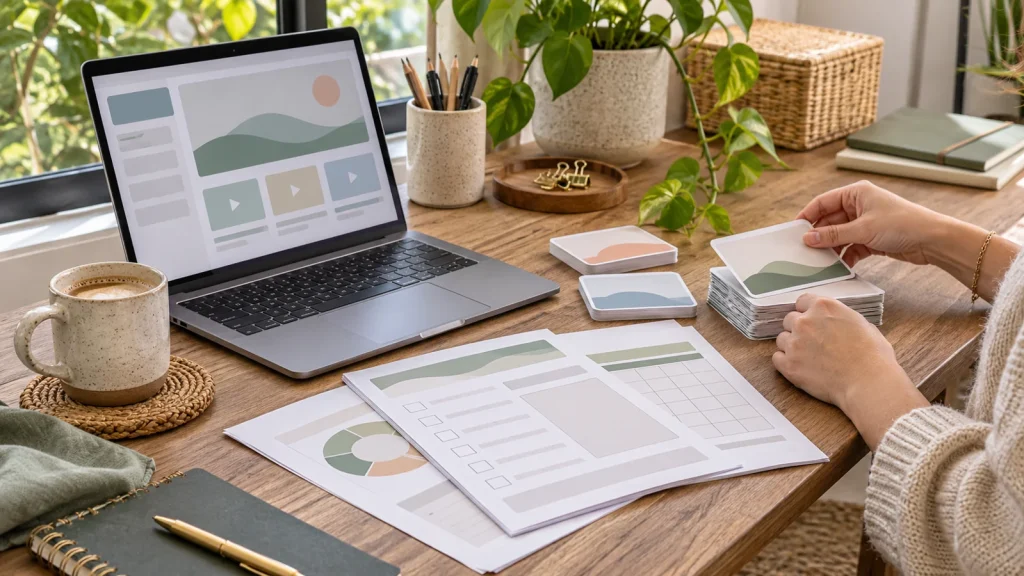
The files are ready. You have checked the download and named the modules. Then you reach the product description and write a list: videos, worksheets, templates, examples. It tells people what is inside, but not yet why they might want to open it.
Before adding launch language, connect those features to the work a buyer wants to do. You can make the description more useful without inventing results, adding features or promising that a purchase will change someone’s business.
Pick a starting situation
Write one sentence about the moment when the product could be useful. Perhaps someone is preparing a first client brief, organising a recurring task or learning a new distinction. Choose a situation your actual material addresses.
This is more focused than “for busy entrepreneurs.” It also gives you an editing test: does the description help this person understand whether the resource fits their next step? If not, more enthusiastic wording will not solve the gap.
Inventory what the buyer receives
List the actual resources and the relevant access details. Include formats, requirements or limitations when they affect use. A downloadable template, an online exercise and a recorded explanation are different things, even when they cover the same topic.
For an illustrative briefing workbook, a completed example might help someone see the expected level of detail. A blank worksheet might give them a place to organise their own information. Keep those benefits tied to the resources rather than treating “digital product” as a benefit in itself.
Describe an action, not a transformation
Ask what someone can do with each feature. “Compare your draft with a worked example” is an action. “Become a confident professional overnight” is a result you cannot infer from providing an example.
Then ask why the action could matter in the starting situation. Comparing drafts may help a learner notice information they have not yet included. That is a concrete reason to use the resource, without a guarantee about the quality of every finished brief.
Use verbs that match the material: review, practise, organise, compare, draft or explore. They help readers imagine use more clearly than broad claims about unlocking potential.
Choose the opening benefit deliberately
Your product may support several tasks. Do not put them all in the headline. Choose the one most relevant to the intended reader, then explain the other useful features further down the page.
An effective opening can name the situation, the practical help and the resource. For example: “Preparing your first client brief? Use a worked example and a blank worksheet to organise the information before you send it.”
Keep the contents list too. Once readers understand the point, they still need to see what they receive.
Make the next step match the offer
Use a button label that says what happens next: view the resource, start the course or see the product details. Do not imply a free download if the next step is a paid checkout. Put important conditions near the action.
Review the whole page as one sequence. The headline, contents, examples and button should describe the same offer. Launch excitement can easily create a promise that the resource itself never made.
Build a reference before writing more launch content
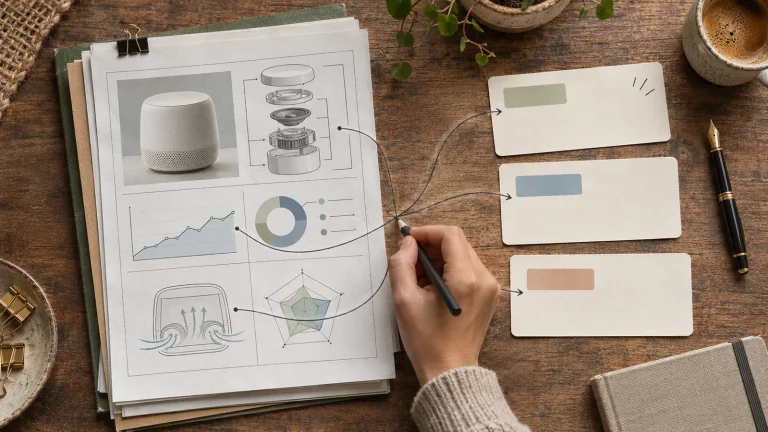
Create a feature–benefit–meaning table for one digital product. Use it when preparing the product page, an introductory article or a short announcement. Adapt the angle for each piece instead of starting every description from the contents list again.
The Benefit Generator for product sellers is a free English mini-course for making that foundation. Start with three to seven real features, review the proposed connections and keep the resulting table and text version for future writing.
Before writing the first announcement, choose who the launch message is for. A useful product description and a focused launch message do different jobs.


Keskustelu 0
Mitä ajatuksia julkaisu herätti?